How to Apply for a Job on RiseYou — Step by Step

Ram Raj Bista
Founder & CEO · RiseYou
On RiseYou, you don't apply blind and wait. One AI Screening interview unlocks matches ranked to your actual profile — here's the full path from sign-up to your first Companion interview.
Key takeaways
- A complete profile is what the matching engine and recruiters both see first
- The AI Screening interview is a one-time gate that unlocks personalized job matches
- Every match comes with a score and the specific reasons it's a fit
- Applying creates a trackable application, not a resume into a void
- Each application includes its own job-specific AI Interview, separate from the initial Screening
- A strong AI Interview score can lead to a live Companion interview with the hiring team
Most job boards work the same way: search, apply, wait, hear nothing. RiseYou is built differently — your profile and one AI Screening interview do the matching work up front, so the roles you see are already ranked to fit you, and applying moves you into a real, trackable pipeline instead of a black hole.
Start with a complete profile
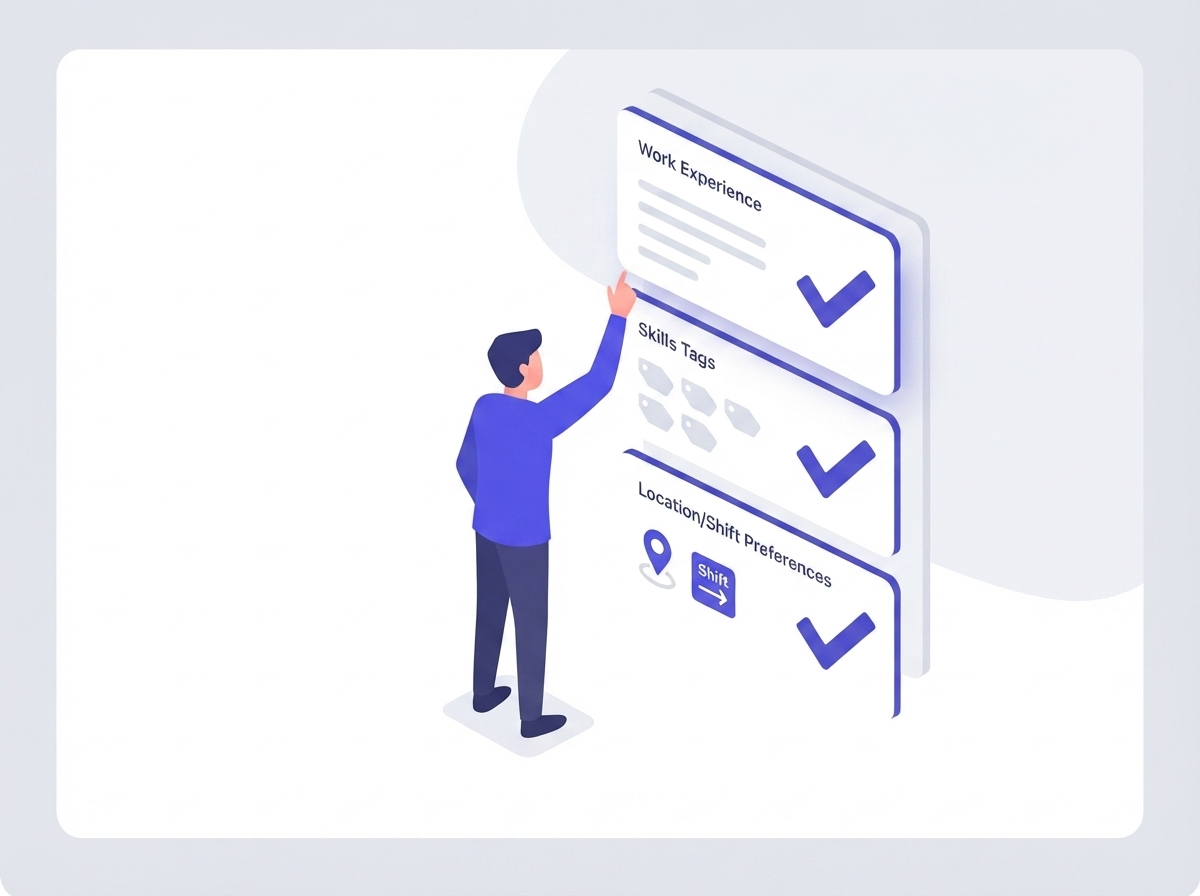
Before anything else, fill in your work experience, skills, education, and job preferences — including the roles, work locations, and shift types you're actually open to. This isn't paperwork: it's what both the matching engine and any recruiter who opens your profile see first.
An incomplete profile doesn't just look unfinished — it directly weakens your match scores against real openings.
Pass the AI Screening
RiseYou gates full job access behind a single AI Screening interview. It's a real conversation, not a form, and passing it does two things: it unlocks your personalized "Best Matches" list, and it earns a verified badge on your profile that signals trust to employers before they've spoken to you.
Until you've completed it, the Jobs tab stays locked with a clear prompt to start — there's no way to accidentally skip this step.

Read your matches, not just the job titles
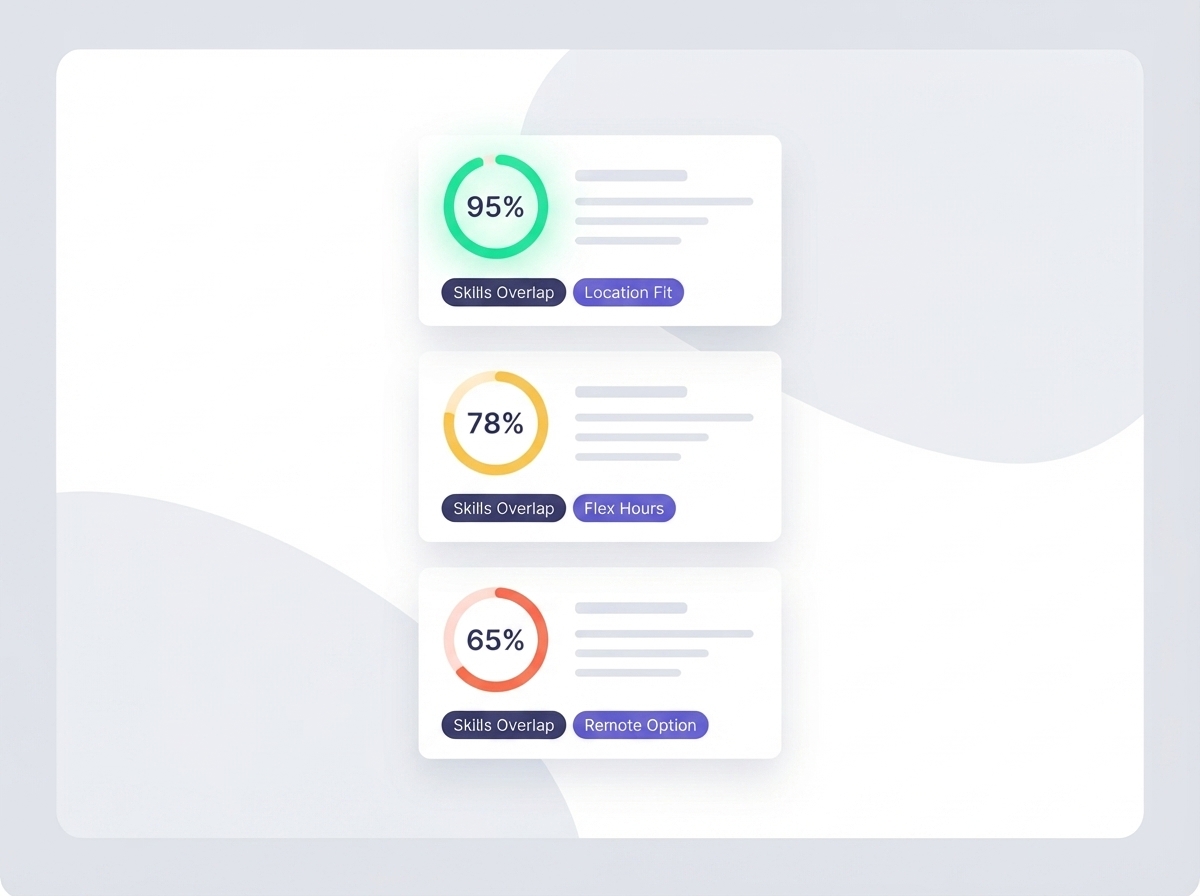
Once unlocked, your "For You" tab shows roles ranked by an actual match score, color-coded by how strong the fit is. Each card also lists specific match reasons — a skills overlap, a location fit, a compensation match — so you know why a job is there before you open it.
Not ready to decide? Save any listing to come back to later without losing your place.
Apply directly from the match
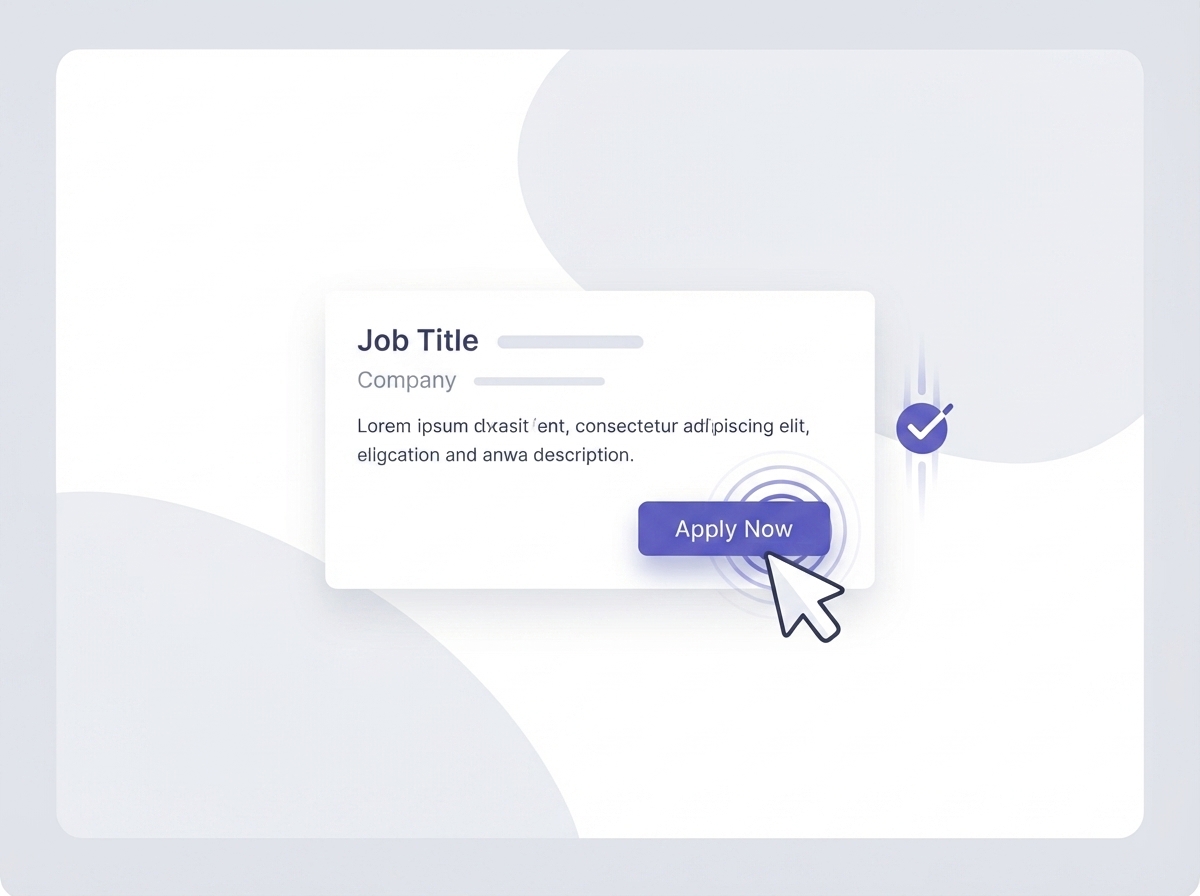
Every job card gives you two paths: View Details to read the full posting first, or Apply to jump straight into applying. If a role sits outside your profile's job category, or your screening isn't complete yet, the Apply button tells you exactly what's blocking you instead of failing silently.
One click creates a real application tied to that job — not a resume attachment sent into the void.
Complete the AI Interview
Applying isn't the finish line — it kicks off a job-specific AI Interview: a real conversation, and depending on the role, hands-on rounds like a coding exercise or a system-design walkthrough. This is separate from the one-time AI Screening you passed earlier — that unlocked job access; this one is scored against this specific role.
It produces an overall interview score and a hire recommendation that the employer reviews alongside your profile and match score — this is the round that most directly shapes what happens next in your application.

Track it like a real pipeline
Your Applications tab shows exactly where each one stands, end to end. You'll see it there the moment you apply, and it updates as the employer moves you through their process — no guessing whether your application was even received.
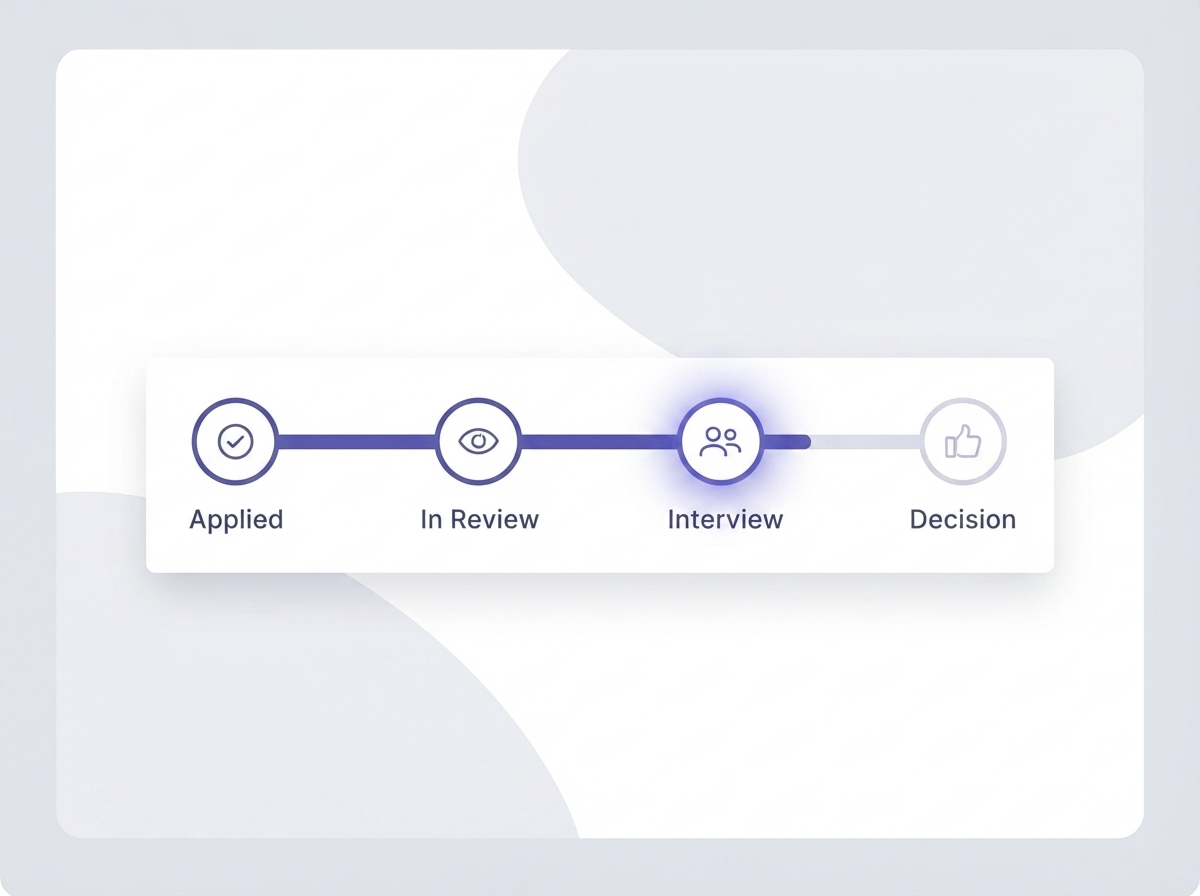
If you're moving forward: the Companion interview
Strong candidates get invited to a live Companion interview — a real-time video conversation with someone from the hiring team, not another automated round. Show up in the same way you would for any interview: camera on, quiet space, resume open in another tab.
This is the stage where the work you put into your profile and screening actually pays off — you're talking to a person who already knows you're a fit.